
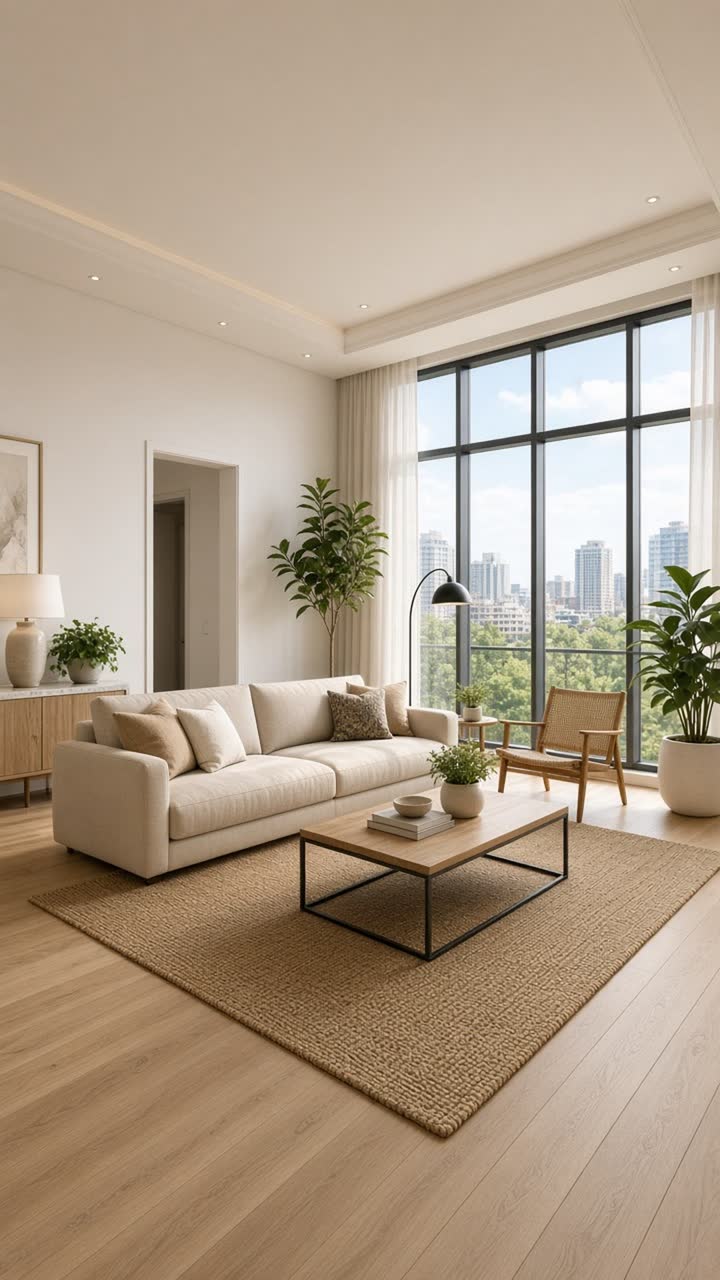
1 Photos
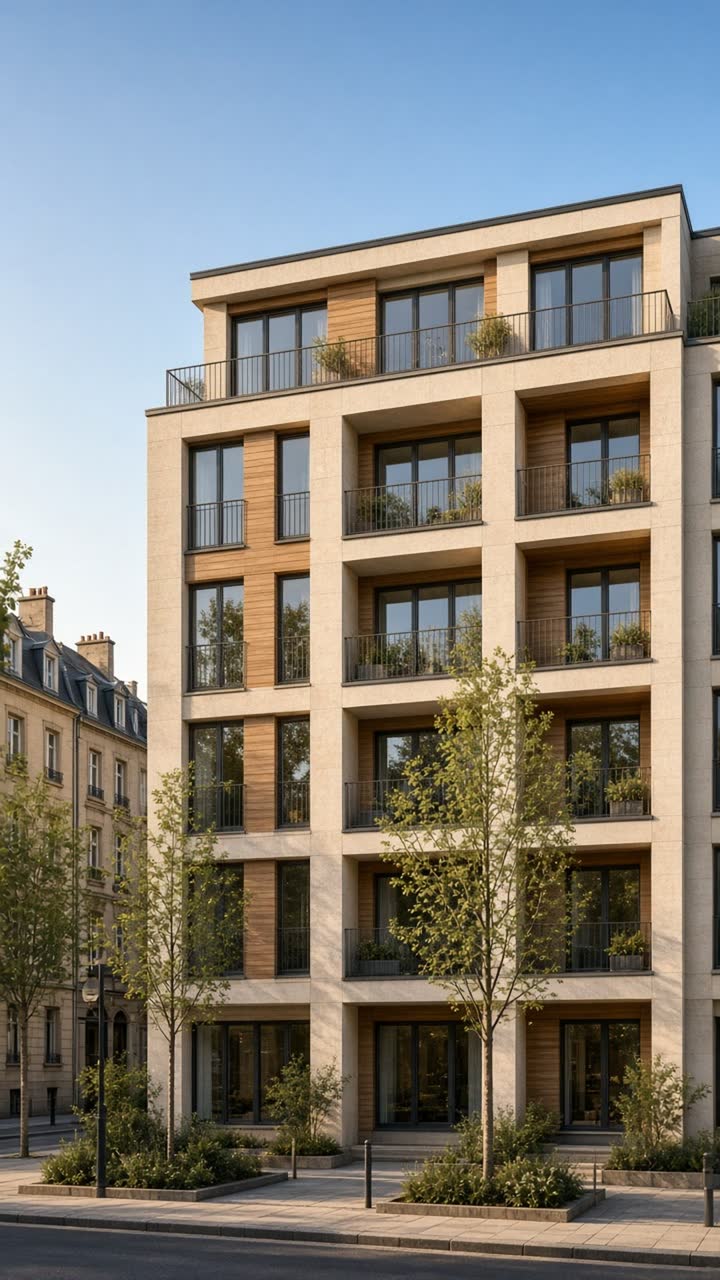
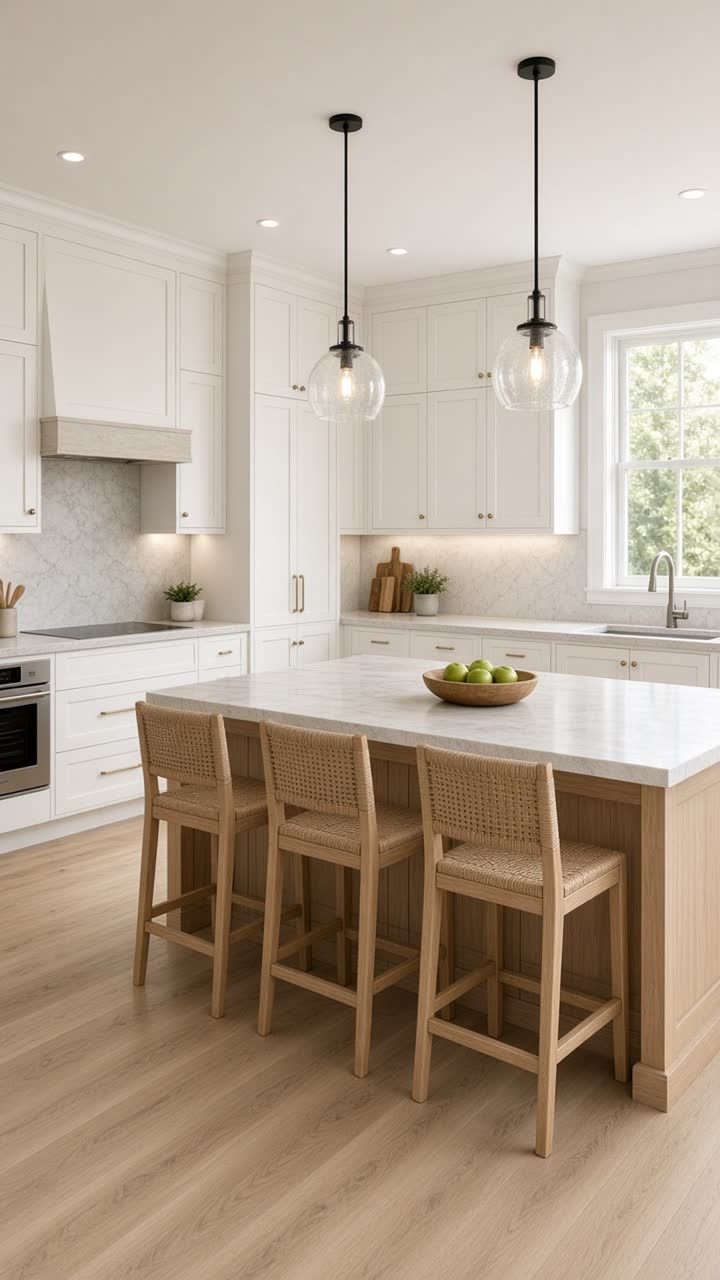
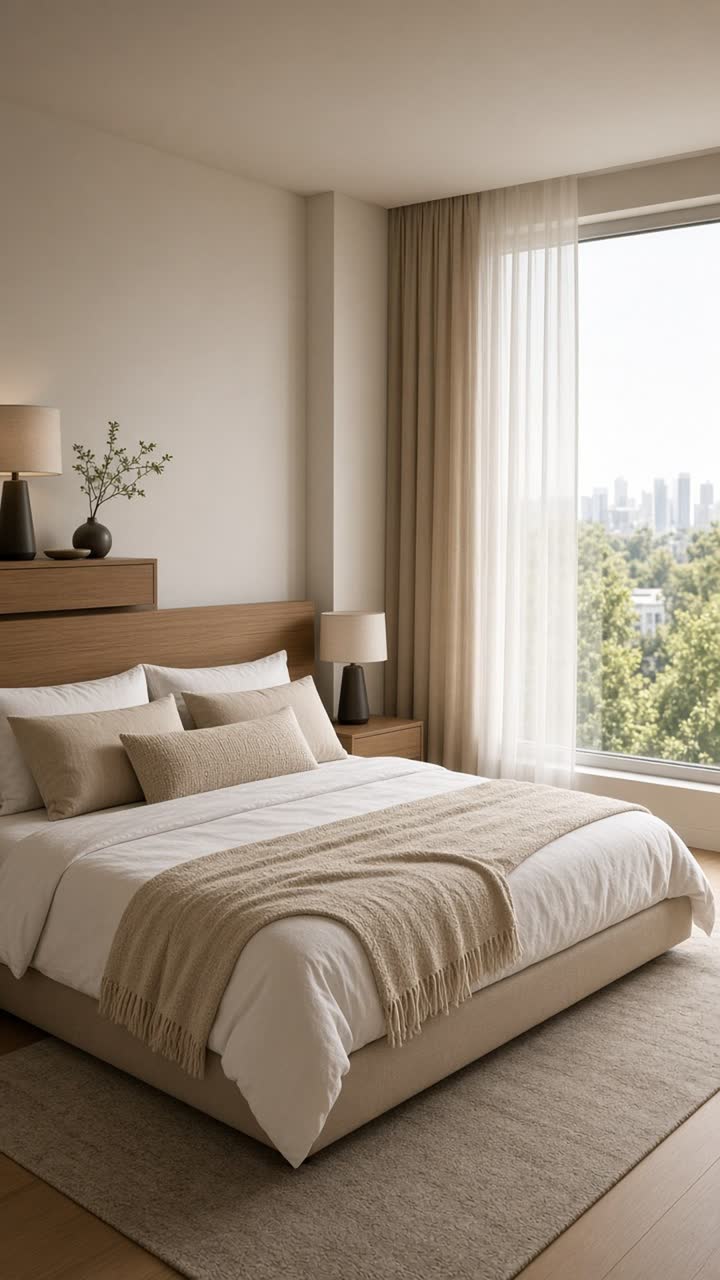
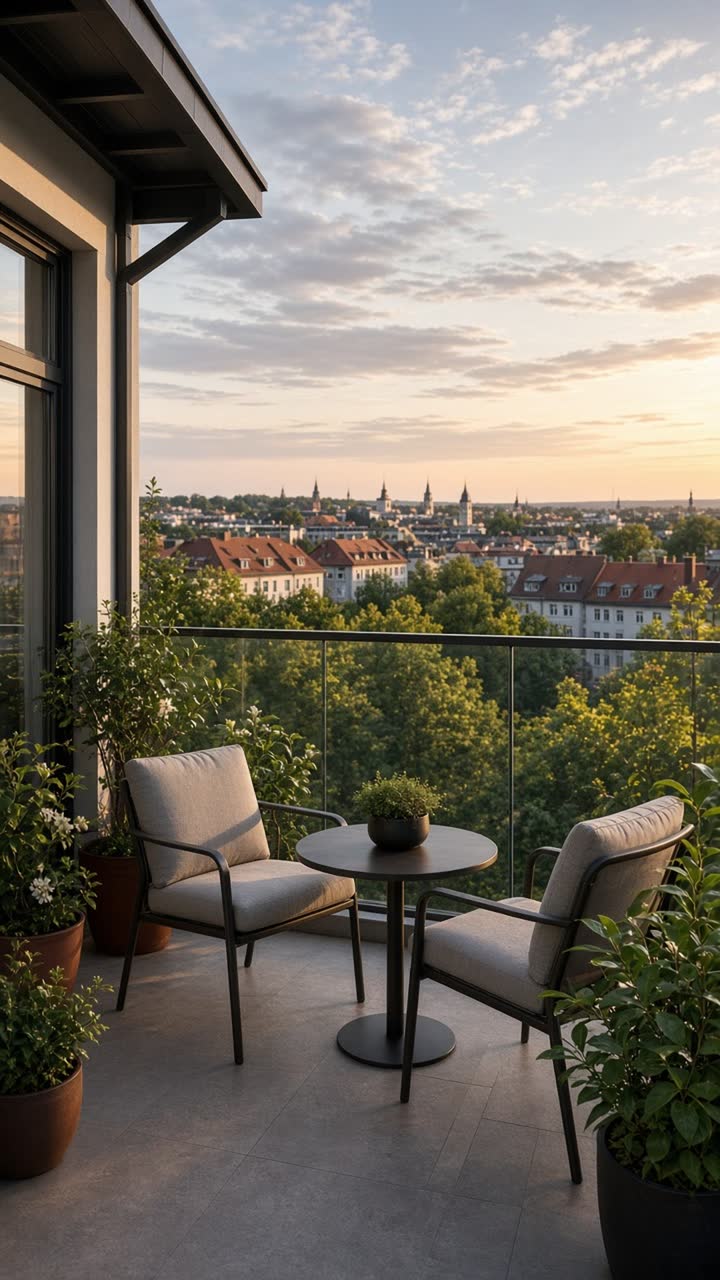
Recommended: 5 to 15 photos (minimum 3). Only use your own photos or photos the owner has authorised. Uploaded photos are processed on your device and are never sent to a server.
Import a listing (athome.lu, wortimmo.lu, imovirtual…)
Paste the link to one of your listings (or a client’s listing you are authorised to use). We read the page once, fill in the details and bring in up to 15 photos. Nothing is stored on the server. Some sites (e.g. immotop.lu, idealista) block automated access: in that case, upload the photos manually.
When you import, the page text is sent to AI providers to fill in the form. See the Privacy Policy.
2 Property details
Branding and contact
3 Style and language
4 Script
When you generate the script, the property details (type, location, price, areas, features and description) are sent to AI providers. Your name, agency, phone number and email are not sent. With narration on, the narration text is also sent to generate the voiceover. Always review the text before publishing. Learn more
The voice is generated by AI on the server. The music is lowered automatically during the narration.
5 Video
Music: — · Voice: —
No sound on iPhone? Turn the volume up; if there is still no sound, switch off silent mode. If the “Play sound” button appears, tap it.